
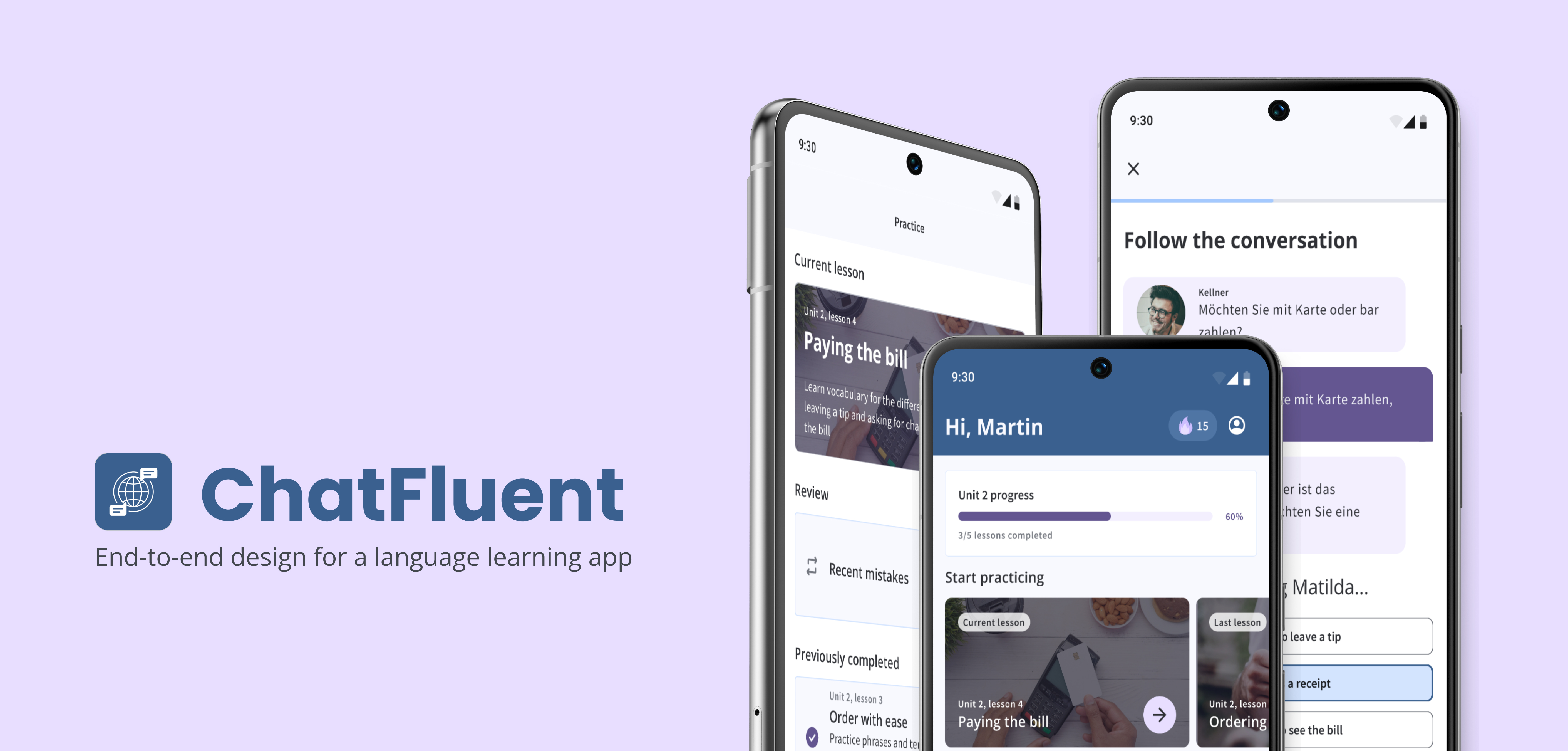
CONTEXT: This is a personal project I designed during my CareerFoundry course to demonstrate my expertise in UX/UI principles.
ROLE: UX/UI Designer
DURATION: 2 weeks
TOOLS: Canva, Figma, Google Suite, Miro, Zoom
During initial research through surveys, interviews, and market analysis, I uncovered a key insight: many users are motivated to learn languages not just for travel, but to foster meaningful relationships and connections. However, existing language-learning apps often teach irrelevant vocabulary and phrases that don't align with peoples' daily needs, which can lead to frustration and disengagement. This insight led me to hypothesize that people need a more engaging, practical approach to language learning—one that emphasizes real-world communication and helps them build stronger connections and seamlessly integrate into new communities.
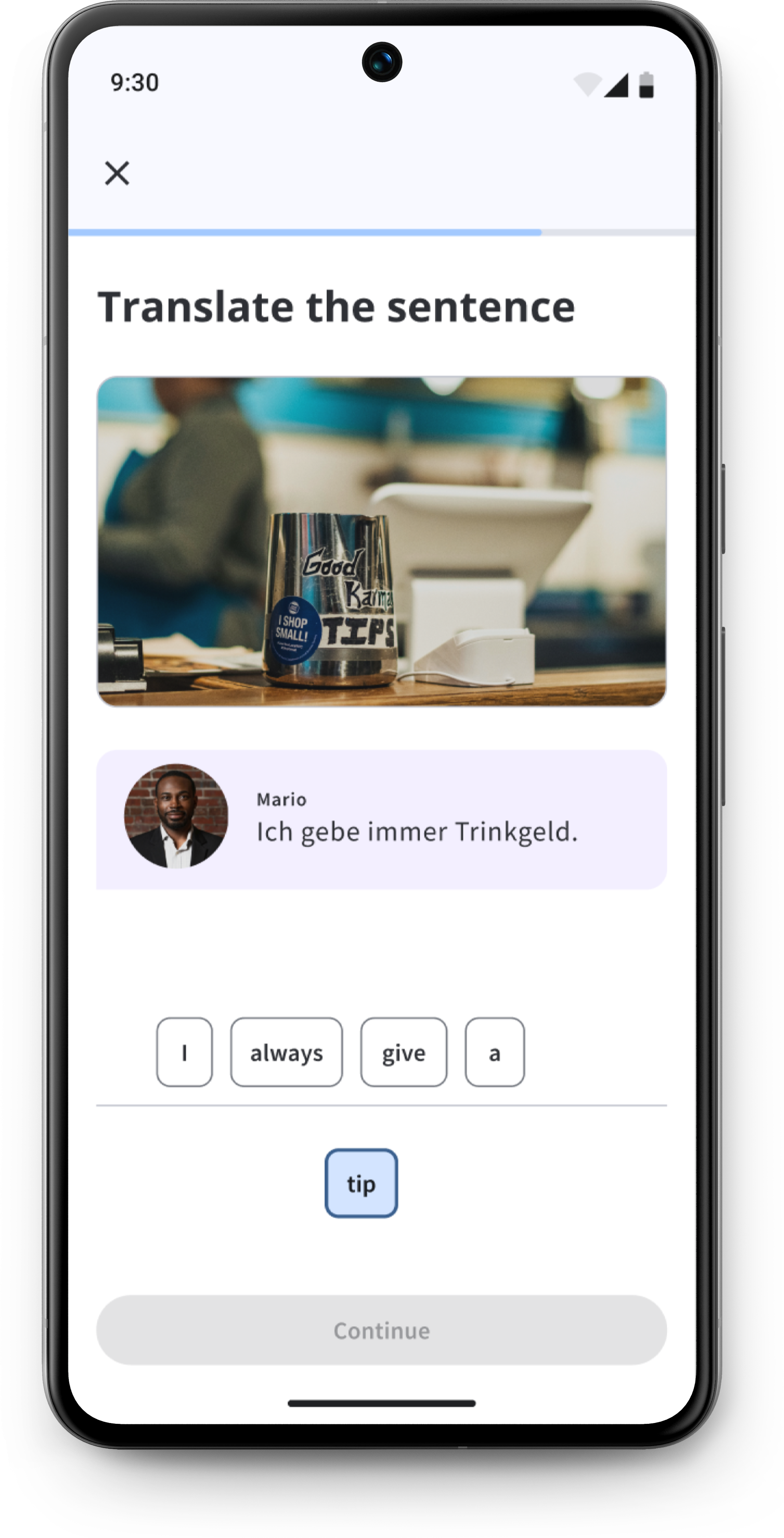
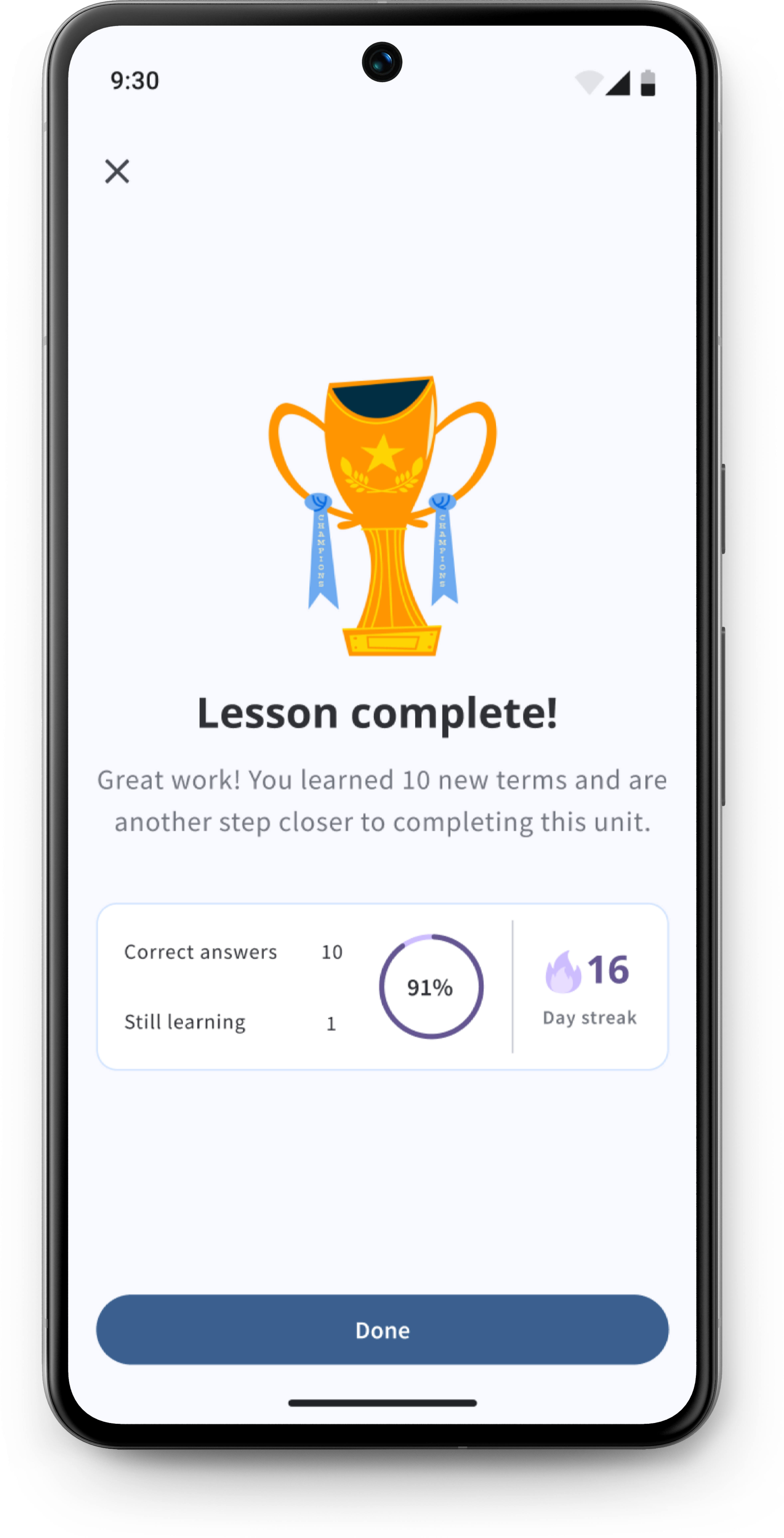
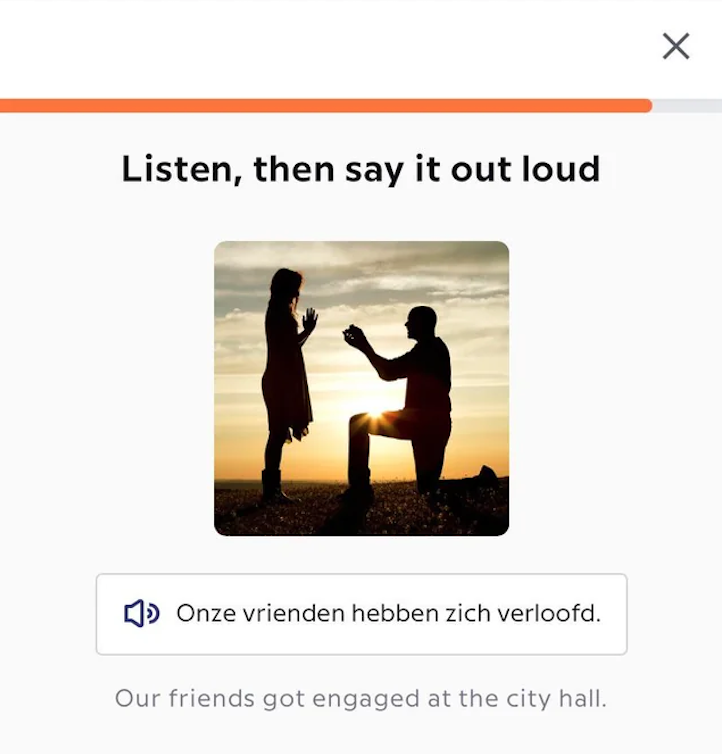
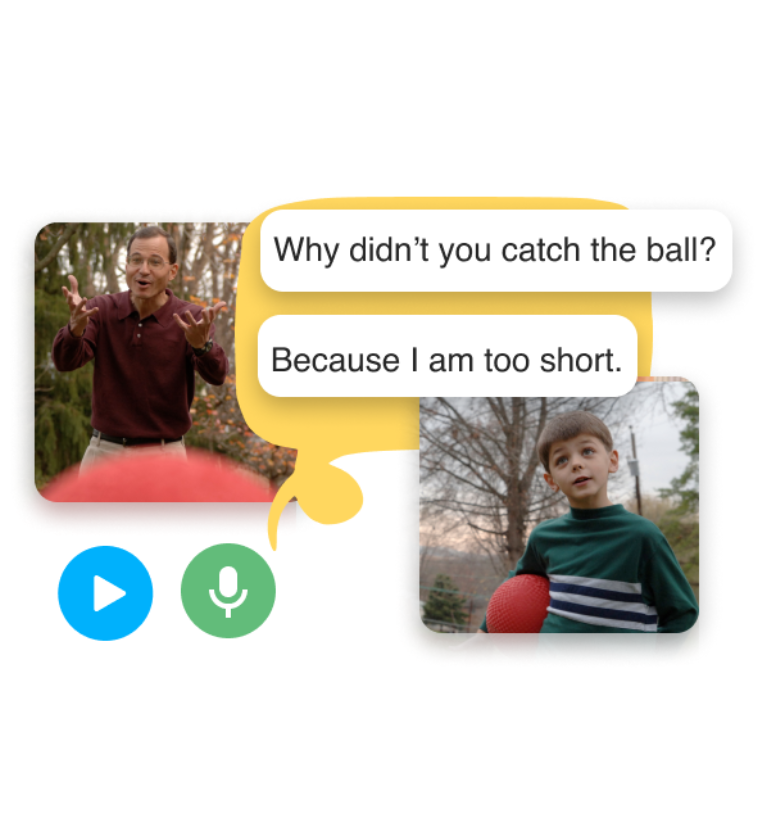
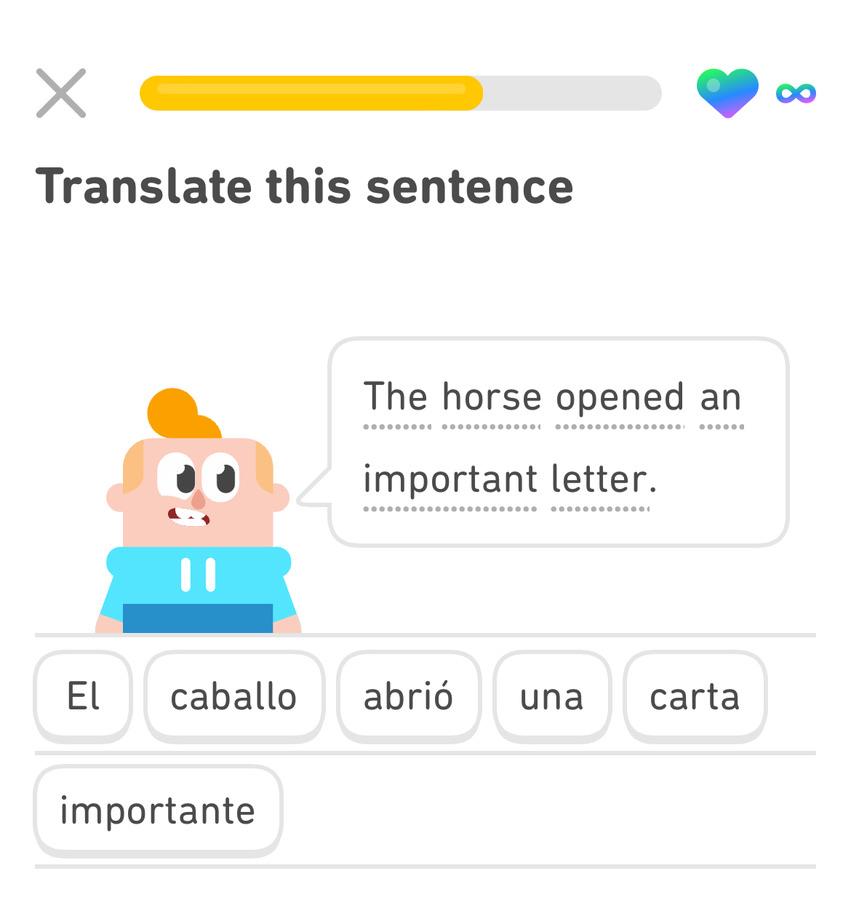
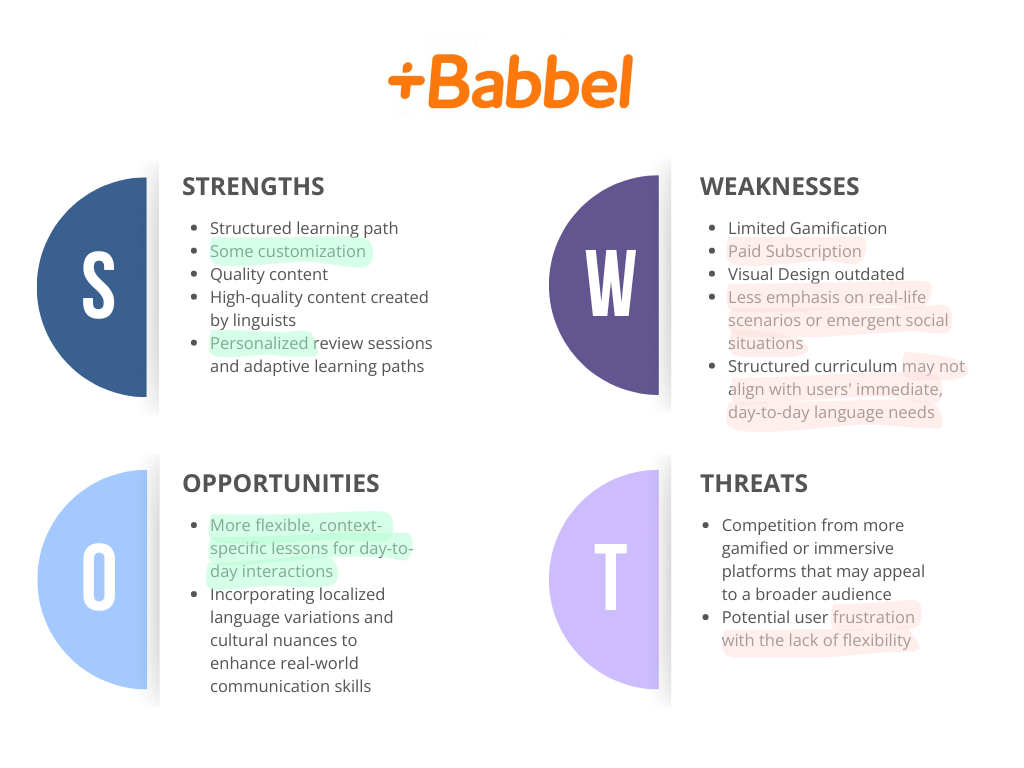
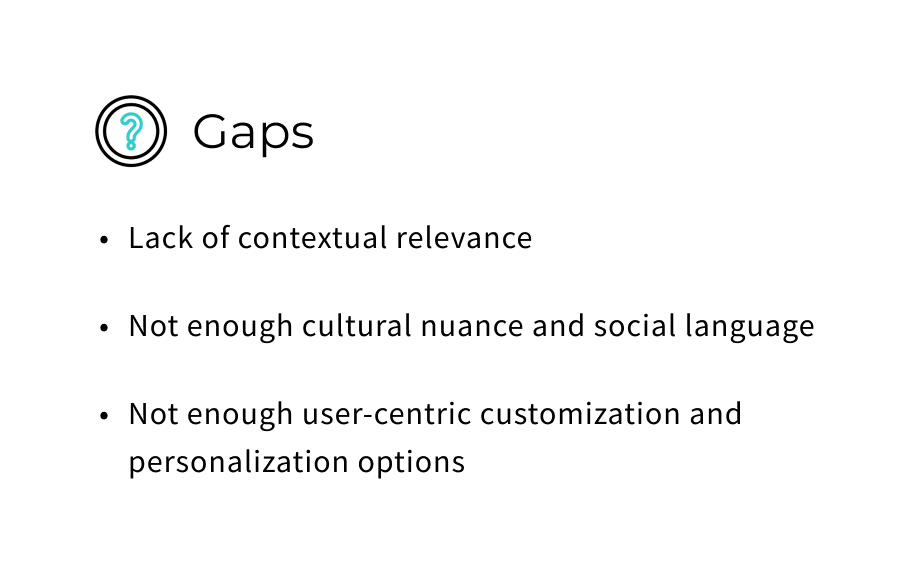
I explored popular language learning apps, comparing their key features' strengths, weaknesses, opportunities and threats, and noting any gaps and opportunities. Analyzing user reviews revealed a common pain point: many users described lessons as overly simplistic or irrelevant, hindering their engagement and ability to apply learnings to their daily lives.
.png)
.png)
.jpg)
Gain an in-depth understanding into people's motivation, behaviours and context when learning a new language
Identify key pain points and frustrations with current apps
Determine people's needs and preferences
Conducted semi-structured 1-on-1 remote interviews with 8 participants in 45 minute sessions
After analyzing notes and recordings from the interviews, I created an affinity map to categorize and identify patterns based on the research goals (motivations, needs, pain points, and preferences).
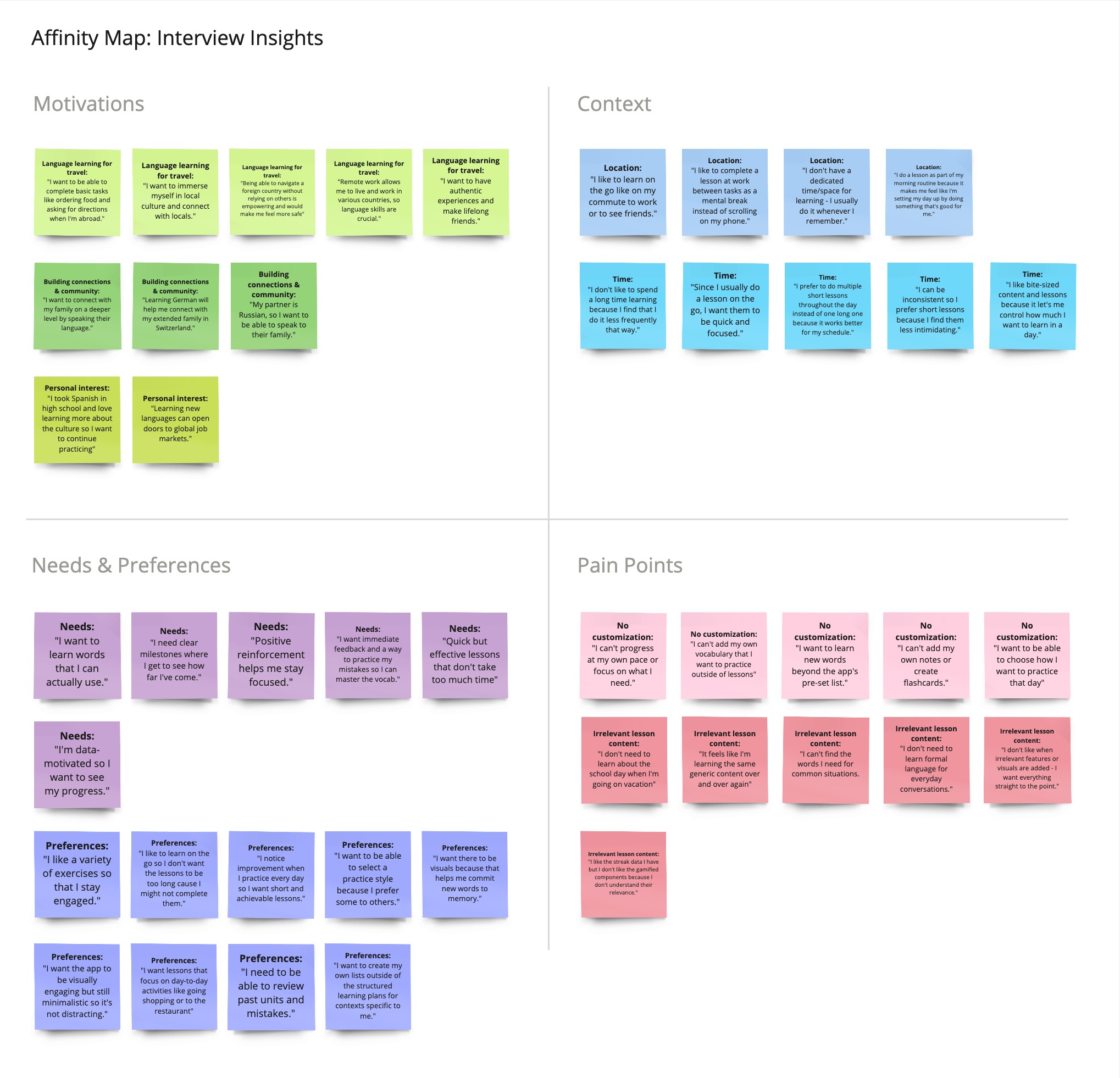
People having a variety of exercises with visual aids to keep them engaged and help them commit new words to memory.
People want more customization like adding their own vocabulary, creating flashcards, and choosing their practice style.
People appreciate lessons that are quick and focused, making learning easy to integrate into their daily routines.
.jpg)


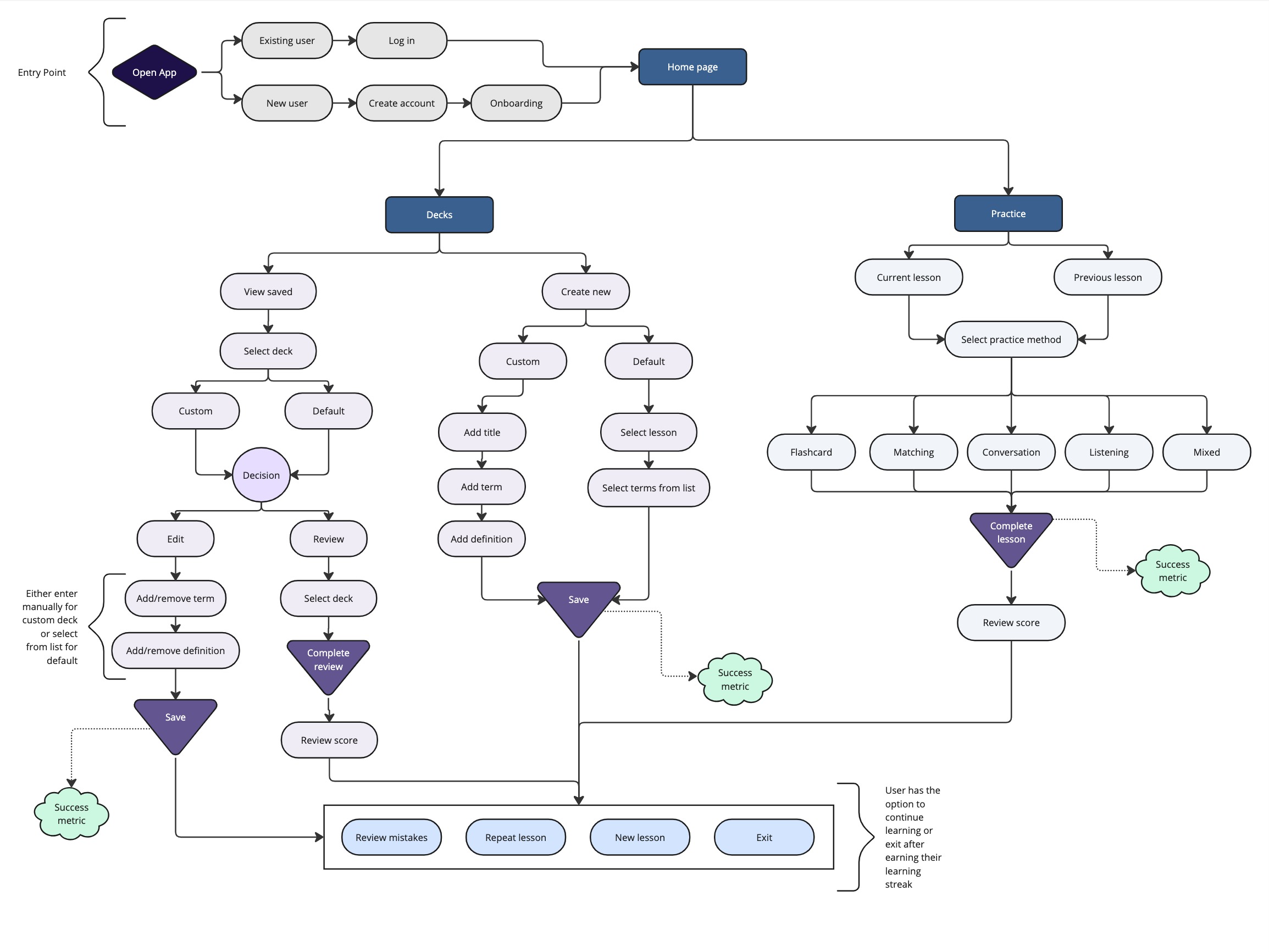
Mapping out key scenarios helped identify any potential pain points or unnecessary steps that could result in frustration. The goal was to help the user achieve their desired outcome in the least amount of steps possible, ensuring that they are able to move through the product quickly and efficiently.
.jpg)
.jpg)
Seven participants were tasked with completing various tasks and explaining their thought processes while navigating key features during moderated remote usability tests. Afterwards, I reviewed the session recordings, documenting errors, participant observations, and both positive and negative quotes. I organized the findings using an affinity map and applied the changes to the high-fidelity prototype, testing again with a small group of participants to ensure the changes improved usability.
.jpg)
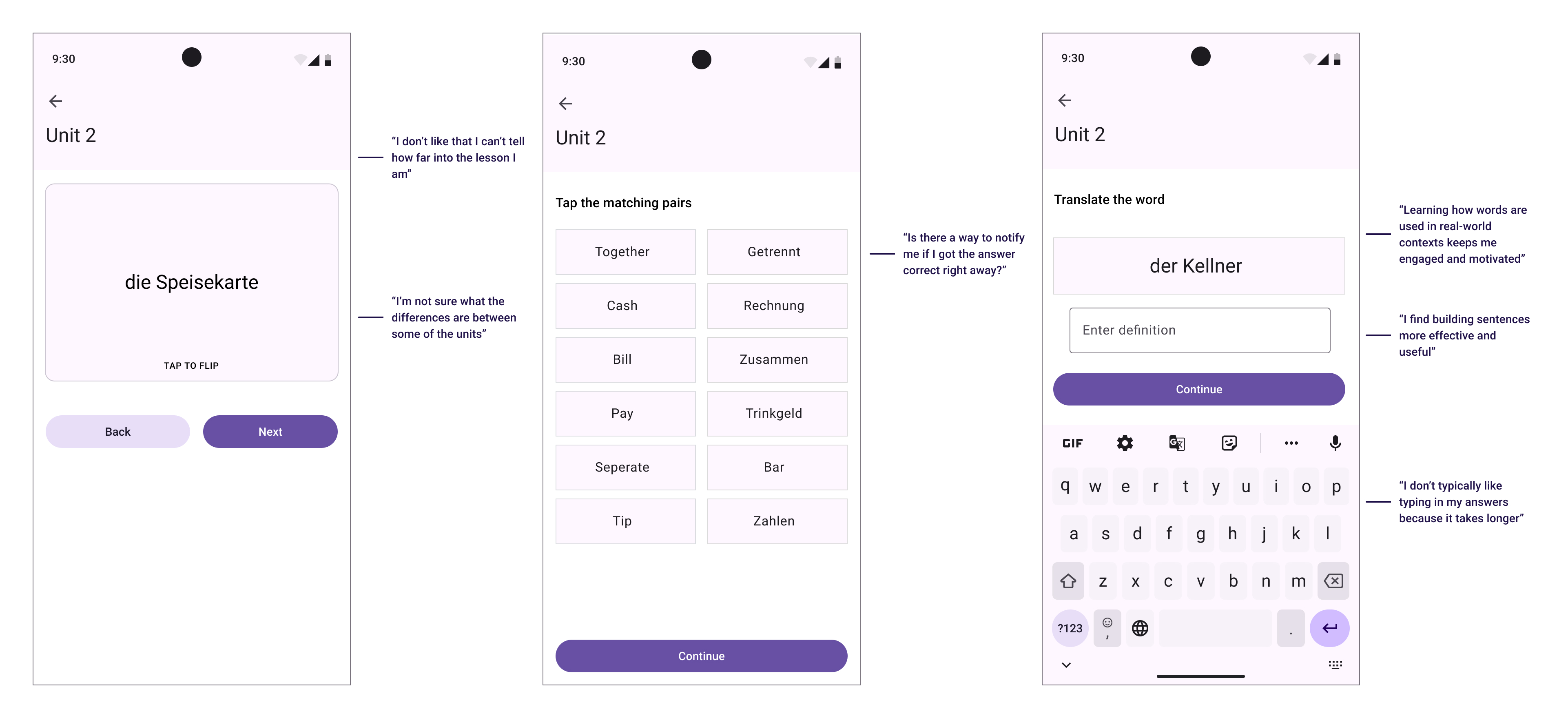
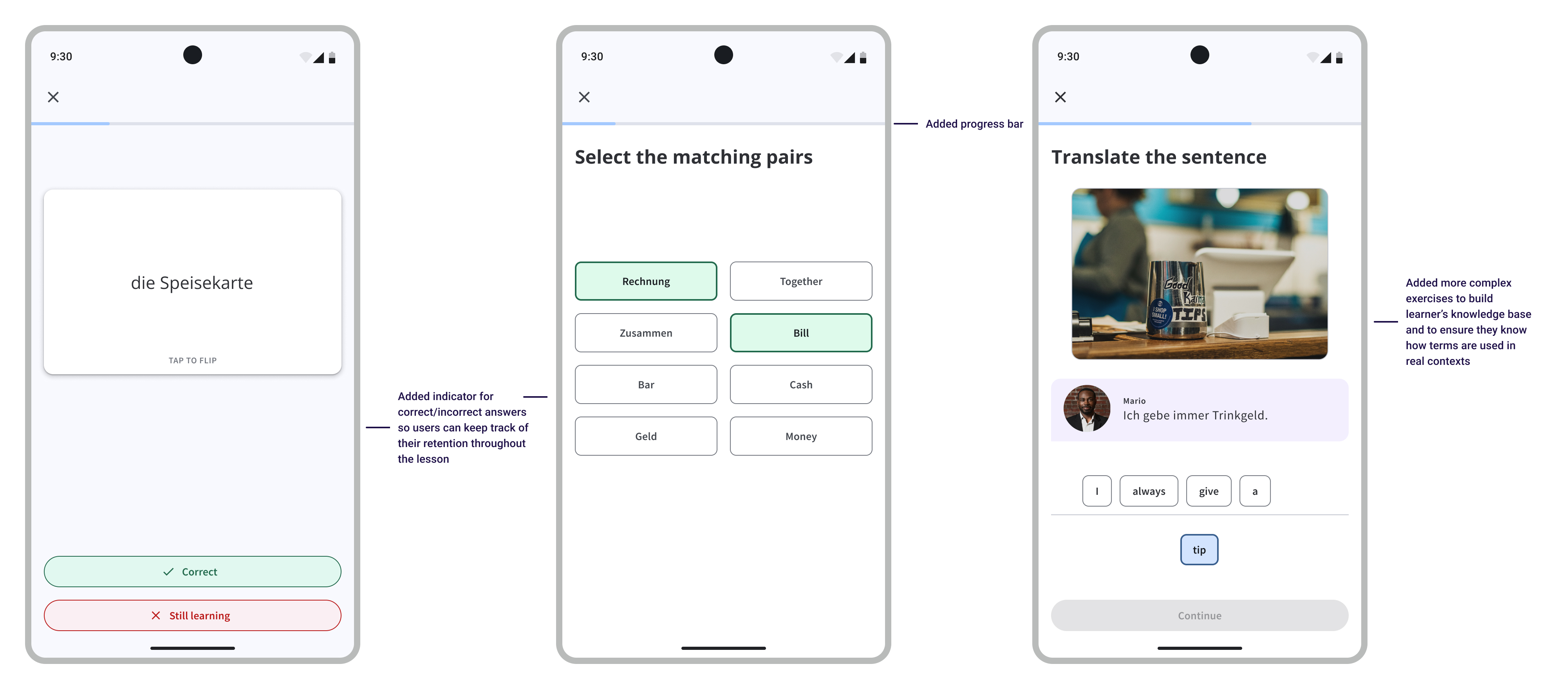
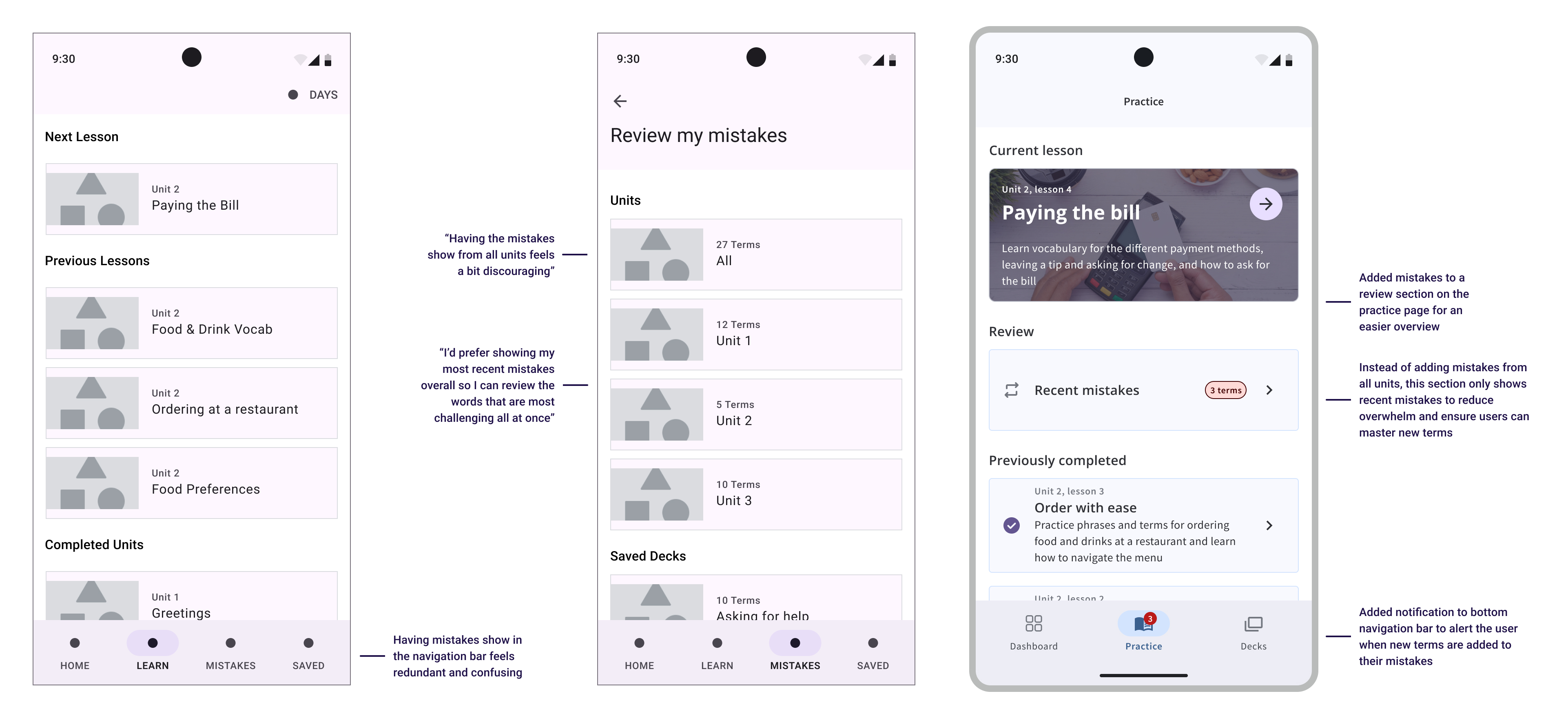
ChatFluent empowers users to learn take control of their language learning by applying their knowledge in real-world situations. By offering diverse learning styles, customizable decks, and real-world context, ChatFluent empowers learners to achieve their language goals efficiently.
View Prototype →New learners can select their desired language and set a daily practice targets.
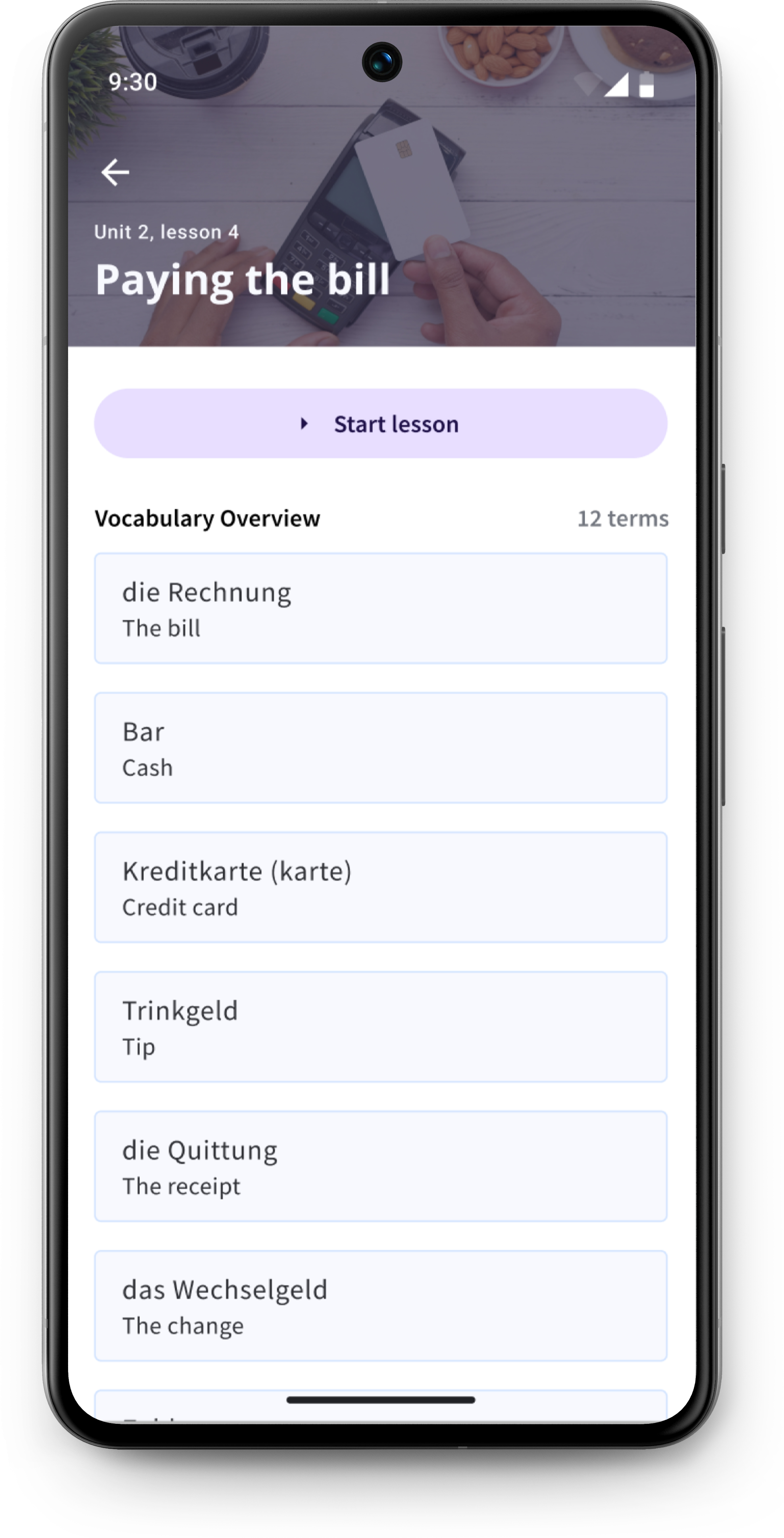
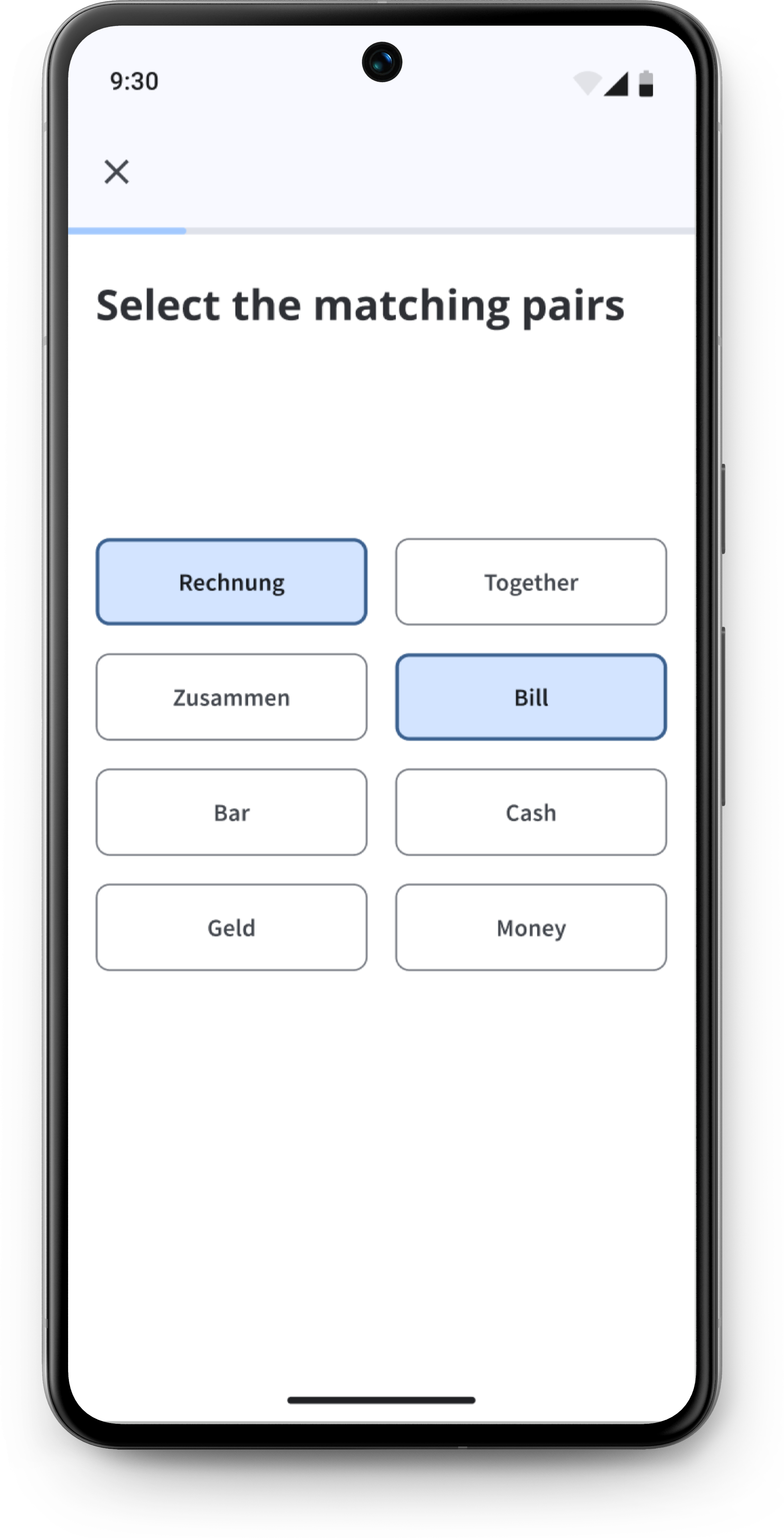
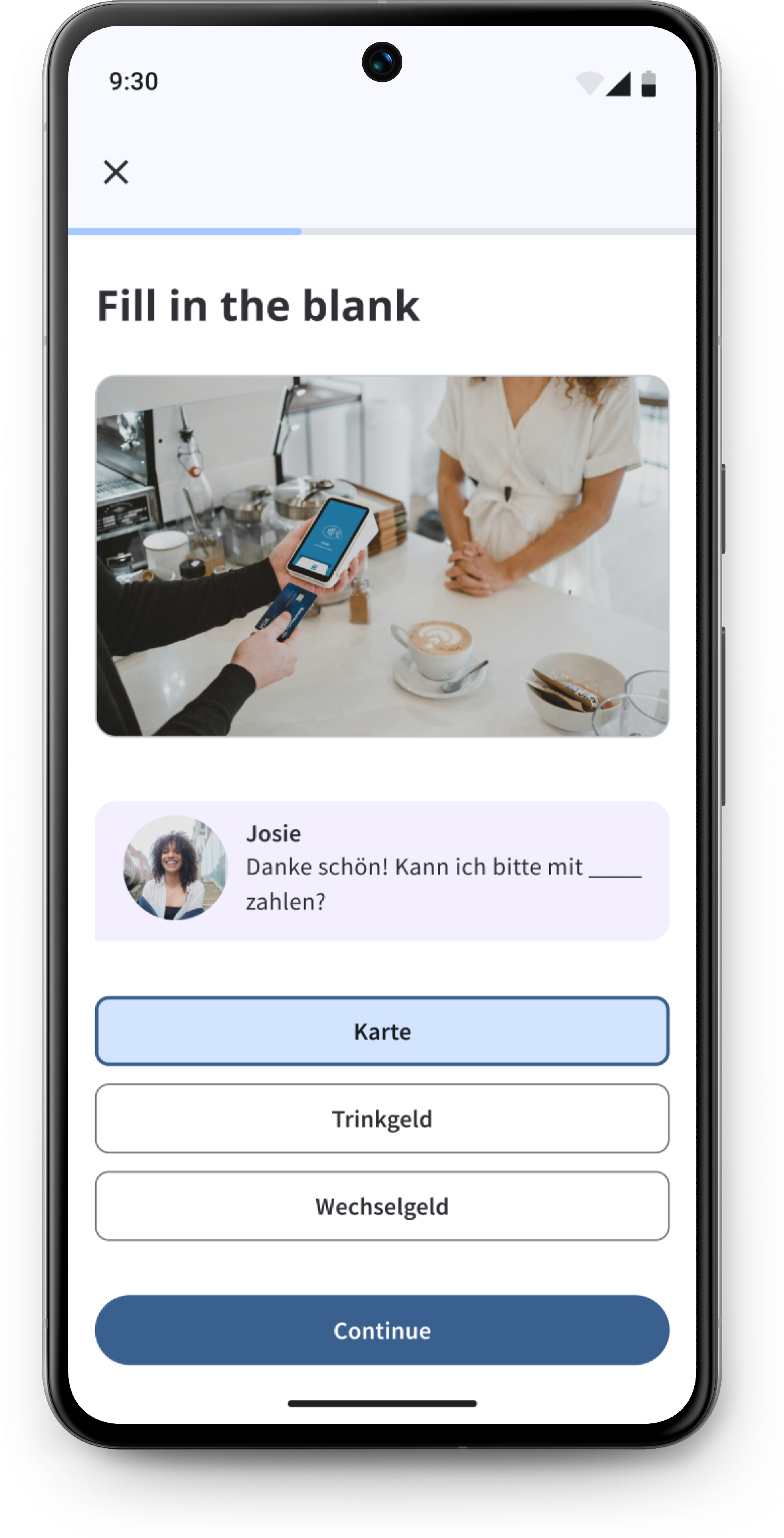
Lessons are grounded in real-world scenarios with diverse practice styles to cater to individual preferences.
Flashcards enable efficient, on-the-go review, boosting retention through spaced repetition.
Create personalized vocabulary decks by adding custom words or selecting terms from past lessons for focused review.
Balancing tight deadlines with design excellence required me to make quick, decisive choices and stay adaptable. By creating a clear project plan, focusing on core user needs and conducting interviews and usability tests early on, I ensured the final product met the design goals, even under time constraints.
